Digital Book Setup
Depending on how you choose to use your iPad or Tablet to present your digital book follow the instructions that apply for you.
We recommend that just before meeting the client you place your device in airplane mode. Or turn off the WIFI. This helps to prevent potentially distracting and even embarrassing notifications from Popping up. :).
Method One:
Download your iPad book from the UU DropBox your booker sends you and create a photo album in images and launch through photos
Method Two:
You will also be sent a PDF version of your portfolio. Save the PDF file to your iBook app. When opening the PDF from the app be sure to double click on the first page and expand to full frame. Always test to make sure all pages are presenting properly. If you have any issues contact your booker to resolve any issues. It is very important to do this before meeting a client as you don’t want to hold up the casting.
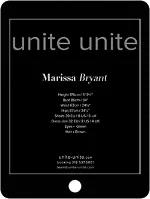
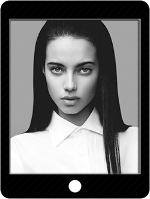
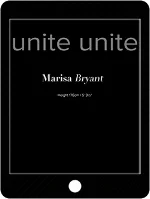
Present your iPad so that the client does not have to open the cover of your case. Have your comp card on top of the screen as you hand it to them. Your book should display the first black page of your book. That has Unite Unite then just your name and your height
The final closing page has all your stats and Unite Unite contact information.
NO MATTER HOW YOU FEEL before you enter the building for your casting you need to breath in a long clean breath of positive fresh energy and radiate that through your body language and eye contact. Cary the thought of Thanks and Gratitude:)
For More Tips on Casting Do's & Don'ts CLICK HERE